 Tyo Susilo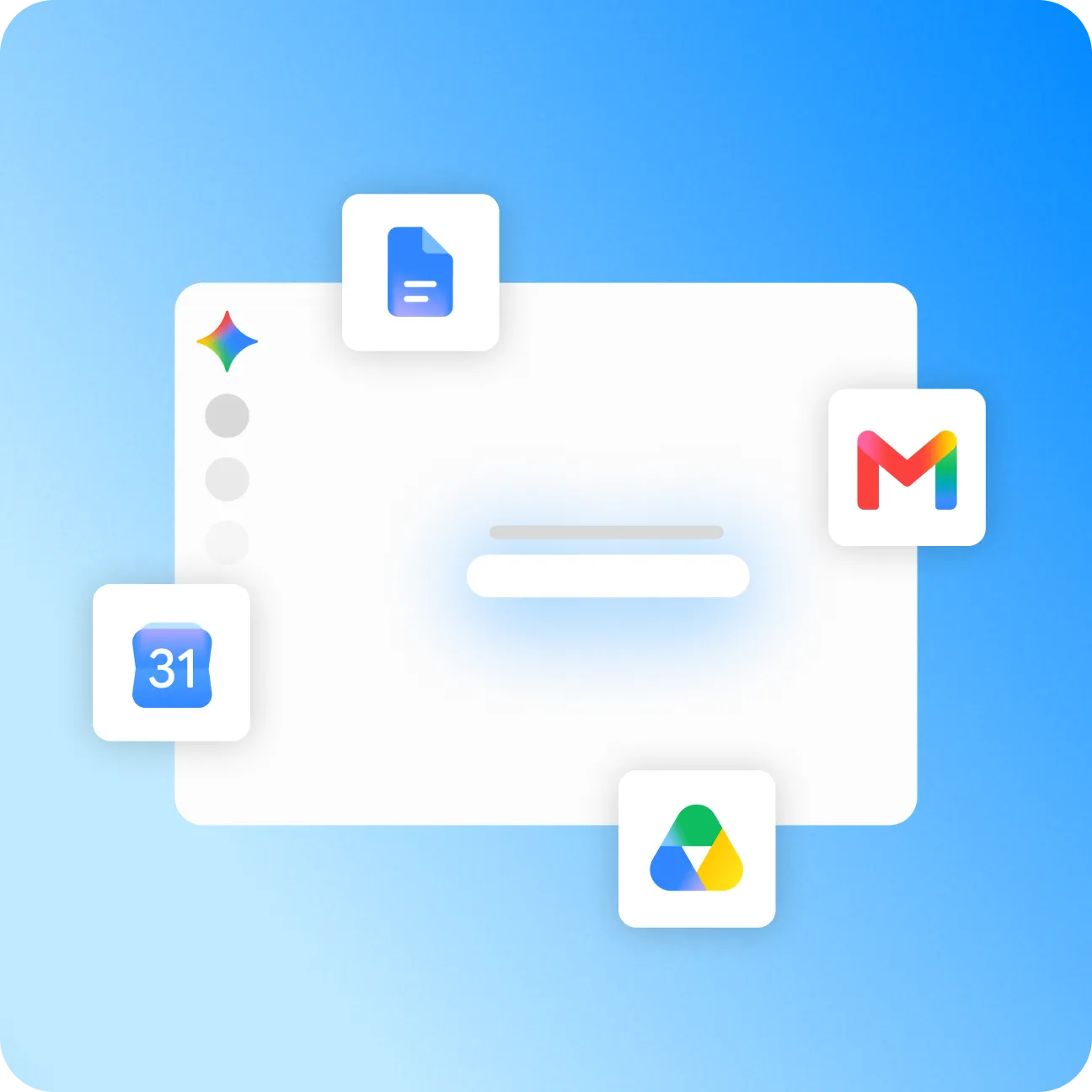
Google has officially launched a dedicated, standalone Gemini application for the Windows operating system, expanding the reach of its artificial intelligence ecosystem beyond web browsers and macOS integration. Previously, Windows users seeking to interact with Gemini were required to access the AI through a web browser, such as Google Chrome, where it was already deeply integrated. With the release of this native desktop application, Google aims to streamline productivity by offering instantaneous access to its advanced generative AI tools without the friction of context-switching between active applications.
The introduction of the Windows application marks a significant milestone in Google’s ongoing strategy to make its generative AI models ubiquitous across major desktop and mobile operating systems. Having successfully deployed a dedicated macOS counterpart months prior, the tech giant has now bridged the gap for the vast majority of personal computer users worldwide who rely on Microsoft Windows.
Seamless Integration and Productivity Shortcuts
The defining feature of the new Gemini for Windows application is its system-wide accessibility. Users can invoke the AI assistant instantly from virtually any screen or active program by pressing the default keyboard shortcut, Alt + Space. This design choice minimizes workflow disruption, allowing users to summon the assistant for quick queries, text generation, or data analysis without needing to manually open a browser window or navigate to a specific tab.
Beyond basic chat functionality, the standalone application inherits the core capabilities of Google’s robust AI ecosystem. Users can utilize the interface to answer complex questions, draft and summarize extensive documents, brainstorm project ideas, debug and write computer code, and analyze uploaded images with high precision. Furthermore, the application features deep integration with Google’s productivity suite, enabling seamless interaction with Gmail, Google Drive, Google Docs, and Google Calendar. This connectivity empowers users to query personal files, draft emails, and manage schedules directly through the chat interface. Additionally, the platform incorporates generative AI capabilities for image creation powered by Nano Banana, giving creators a native tool for visual asset generation.

System Requirements and Installation
To ensure smooth performance, Google has outlined specific hardware and software prerequisites for running the Gemini desktop app. The application requires a personal computer operating on Windows 10 or a more recent version. In terms of hardware specifications, users must have a minimum of 8GB of RAM and approximately 200MB of available storage space. Additionally, access to the application requires a valid Google account.
The software is distributed free of charge and is currently available for download directly through the official Gemini website, allowing users to install the native client within minutes.
Absence of the Gemini Spark Agent
Despite the robust feature set included in the initial Windows release, certain advanced capabilities have been omitted from the desktop rollout. Most notably, Gemini Spark—Google’s newly introduced autonomous AI agent designed to handle complex, multi-step tasks automatically—is conspicuously absent from the Windows application.
At present, Gemini Spark remains restricted to mobile devices, macOS, and the web-based version of the platform. Furthermore, the Spark agent is subject to strict geographic limitations, excluding users within the European Economic Area, the United Kingdom, Switzerland, and Nigeria. Access to Spark also demands an active subscription to Google AI Pro or Ultra tiers. Consequently, the initial release of Gemini for Windows serves primarily as a streamlined, high-accessibility interface for standard chatbot functions rather than a fully realized autonomous agent suite.

Broader Industry Implications and the Desktop AI Race
The launch of a dedicated Windows application for Gemini underscores a broader industry trend: the transition of artificial intelligence from cloud-based browser tools to deeply integrated operating system utilities. Major technology companies are aggressively vying for desktop real estate, recognizing that seamless accessibility is critical for user retention and daily workflow integration.
Microsoft, Google’s primary competitor in the desktop space, has heavily promoted its own Copilot ecosystem across Windows 11, embedding AI capabilities directly into the operating system’s taskbar and native applications. By introducing a standalone Gemini client with a global shortcut, Google is positioning its AI model as a viable, cross-platform alternative that operates independently of the user’s choice of web browser.
Industry analysts suggest that while the current Windows app lacks advanced autonomous features like Spark, its low barrier to entry—requiring only 8GB of RAM and a standard Google account—will likely drive rapid adoption among enterprise workers, students, and casual users alike. As Google continues to refine its desktop software and expand regional availability for features like Spark, the battle for dominance on the Windows desktop environment is expected to intensify, ultimately benefiting consumers with more powerful, integrated, and responsive AI tools.