 Tyo Susilo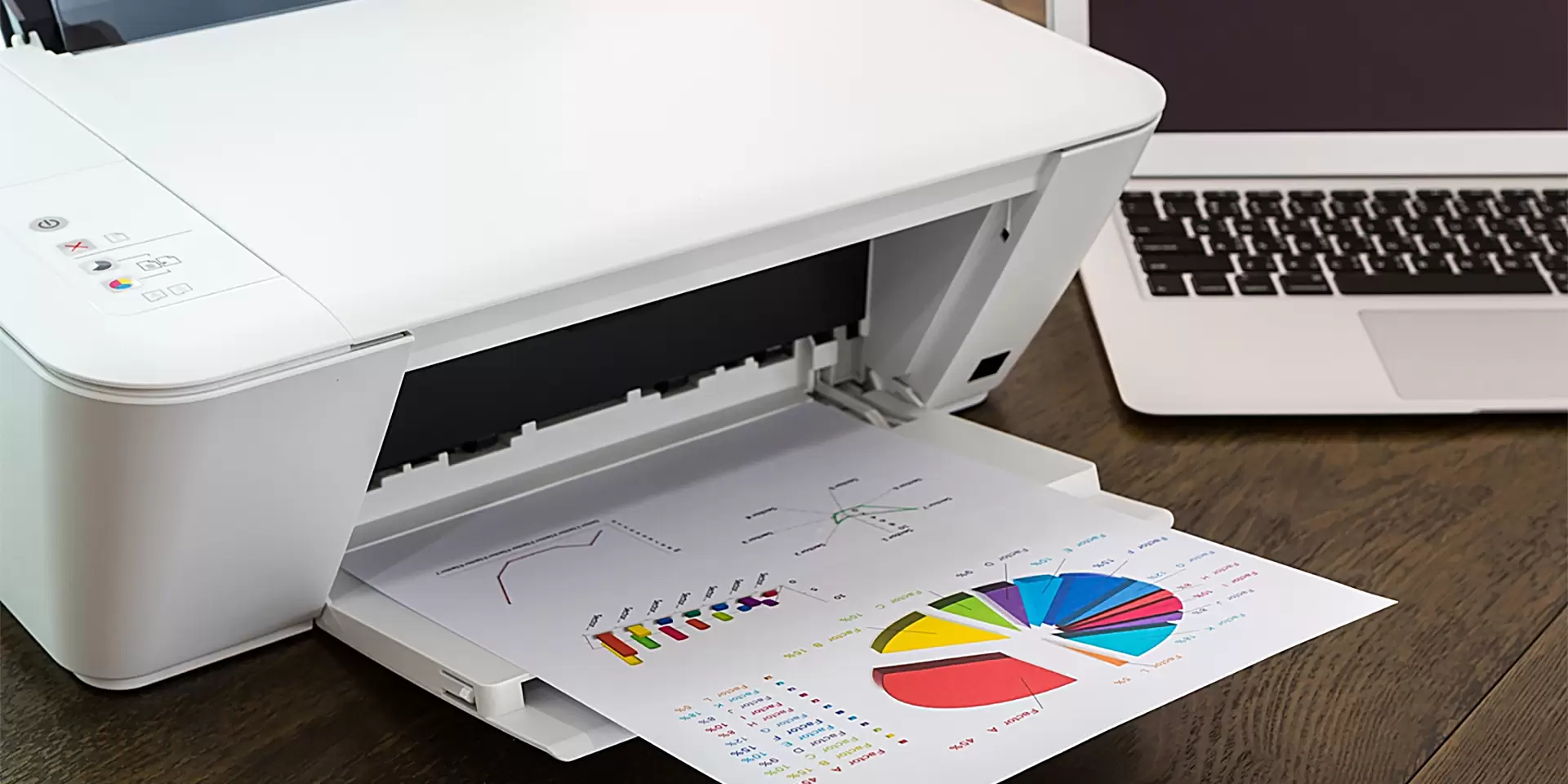
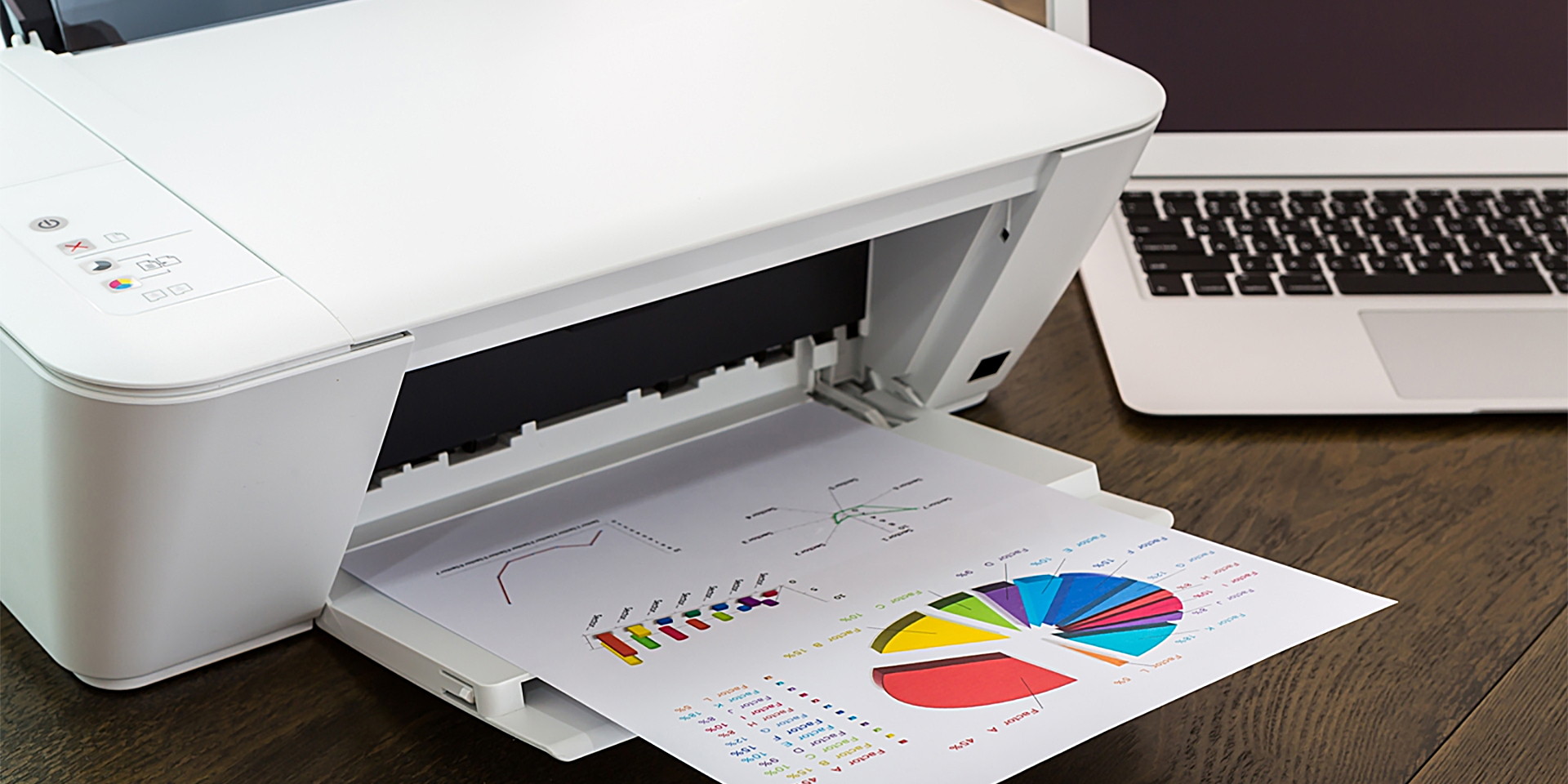
Microsoft is currently implementing a fundamental transformation of the printing architecture within the Windows operating system, a move designed to enhance security and streamline operations, but one that carries significant implications for legacy hardware. For decades, Windows has relied heavily on proprietary, manufacturer-specific printer drivers developed by industry giants such as Hewlett-Packard, Canon, Epson, and Brother to facilitate communication between operating systems and physical hardware. Under the newly initiated roadmap, Microsoft is systematically phasing out these legacy V3 and V4 printer drivers in favor of standardized, universal printing protocols and the robust Windows Protected Print (WPP) mode. While this modernization promises heightened cybersecurity and a reduction in system instability caused by third-party software, it introduces the distinct possibility that millions of older, perfectly functional printers may eventually become incompatible with future iterations of Windows 11 unless alternative workarounds are employed.
The transition away from traditional manufacturer-supplied printer drivers represents one of the most substantial structural shifts in the Windows ecosystem in recent years. Historically, purchasing a new printer meant installing a dedicated software package or allowing Windows Update to automatically download specific driver packages tailored to that exact model. However, these third-party drivers have long been identified by cybersecurity researchers and Microsoft engineers as a frequent vector for security vulnerabilities, privilege escalation exploits, and system crashes—frequently referred to colloquially in IT circles as the "PrintNightmare" era of vulnerabilities. By pivoting toward the Internet Printing Protocol (IPP) and standardized driverless printing frameworks such as Mopria, Microsoft aims to create a uniform, highly secure printing environment that mirrors how modern mobile operating systems handle printing tasks. Consequently, Microsoft instituted a significant policy change stipulating that, beginning in January 2026, new printer drivers can no longer be published or updated via the official Windows Update channel, effectively sealing the fate of the old driver ecosystem.
The centerpiece of this architectural evolution is the Windows Protected Print (WPP) mode, an advanced security framework designed to isolate print processes and block unauthorized third-party binaries from executing at the kernel level. When WPP is fully engaged, the operating system strictly prohibits the installation and execution of third-party printer drivers, relying entirely on Microsoft-verified IPP inbox class drivers and the Windows ReadyPrint framework. At present, WPP remains an optional configuration within Windows 11, allowing enterprise administrators and individual power users the flexibility to toggle the feature off and revert to legacy printing methods if operational continuity requires it. Nevertheless, Microsoft has formally confirmed its intention to make WPP the default system setting across Windows 11 in a future system update. Furthermore, IT administrators in corporate environments are already being granted the capability to enforce WPP via Group Policy or Mobile Device Management (MDM) solutions, meaning that enterprise networks could drop support for legacy printers much sooner than consumer markets.
The hardware most vulnerable to this systemic shift comprises older USB-connected printers that rely exclusively on manufacturer-specific V3 or V4 drivers and lack any inherent support for IPP or modern network-based printing standards. Because these older models cannot communicate natively using Microsoft’s universal IPP framework, they face immediate obsolescence once WPP is enabled by default or forced by administrative policy. Additionally, complex multi-function peripherals (MFPs) that bundle advanced scanning, faxing, and optical character recognition (OCR) capabilities into a single chassis face partial functionality loss. Even if the basic printing mechanism can be coerced into operating via a generic driver, proprietary scanning software and specialized hardware features dependent on legacy manufacturer utilities may permanently cease to function. Conversely, modern network-connected printers that already support the IPP standard or Mopria certification are expected to transition seamlessly into the new Windows printing paradigm without requiring hardware replacements.
Industry analysts and IT infrastructure experts have offered a pragmatic, albeit cautious, assessment of Microsoft’s strategy. From an enterprise perspective, reducing the attack surface by eliminating third-party kernel-mode drivers is viewed as a necessary and long-overdue security upgrade. Legacy print subsystems have historically presented a disproportionate risk to corporate networks, making standardized, driverless printing an attractive proposition for Chief Information Security Officers (CISOs). However, consumer advocacy groups and small business owners have raised valid concerns regarding the economic and environmental fallout of planned hardware obsolescence. Forcing millions of consumers to discard functioning peripheral devices simply due to a software architecture change generates unnecessary electronic waste and imposes unexpected financial burdens. Critics argue that while the security justification is sound, Microsoft must provide robust, long-term compatibility layers or extended support pathways to mitigate the premature retirement of legacy office equipment.

Despite the impending enforcement of WPP and the sunsetting of traditional driver distribution, consumers and businesses affected by these changes are not entirely without recourse. Users possessing older legacy printers do not need to prematurely discard their hardware or rush out to purchase new machines. Several viable technical workarounds exist to preserve the utility of older devices. For instance, legacy USB printers can be successfully isolated and shared across a local network by connecting them to a dedicated print server running alternative operating systems, such as a lightweight Linux distribution hosted on an affordable single-board computer like a Raspberry Pi. Alternatively, households and offices with mixed-OS environments can route print jobs through a secondary device that still supports the legacy drivers. Ultimately, as Microsoft steadily marches toward a standardized, driverless future, the onus falls on system administrators and everyday users alike to audit their hardware inventory, verify IPP and Mopria compatibility, and prepare their IT infrastructures well before Windows 11 permanently closes the door on the legacy printing era.